Prompt Library
Utility jacket concept prompt
Separates silhouette, pocket architecture, closure, hardware, material, and view so the jacket is directed as a garment rather than a mood word. Use the variables and review steps below to turn that intent into one inspectable ModeForge request.
Adapt this text in the design workbench after replacing every variable with a concrete value.
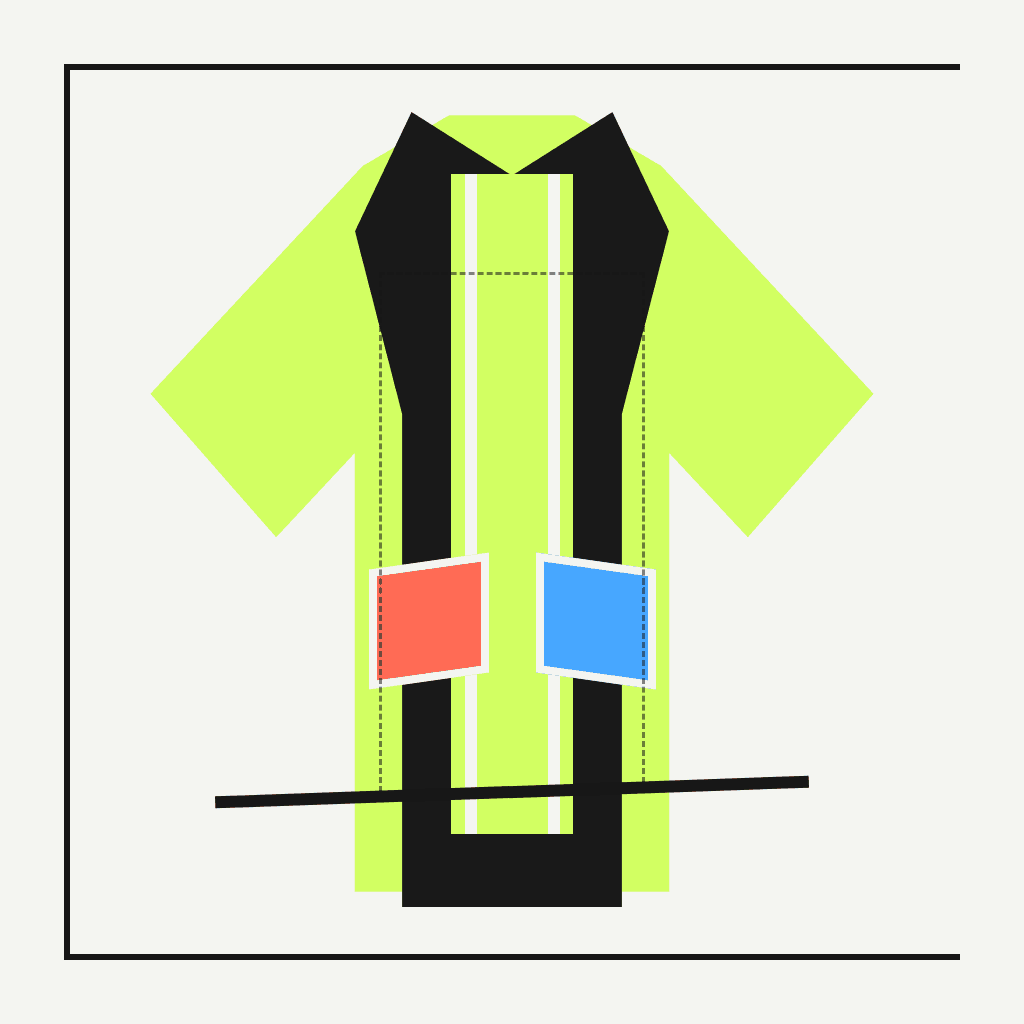
Open the design studioIllustrative ModeForge demo media; it is not the exact output of this prompt or preparation brief.Design prompts
Complete prompt
Separates silhouette, pocket architecture, closure, hardware, material, and view so the jacket is directed as a garment rather than a mood word.
Create one original apparel concept using utility jacket concept prompt. Set {SILHOUETTE} (silhouette: boxy, hip length), {POCKET_MAP} (pocket map: two chest bellows pockets), {MATERIAL} (main material: matte recycled nylon). Use a centered front three-quarter product view. Map the closure and low-profile hardware clearly, keep every pocket attached to a plausible seam, and leave the background quiet enough to inspect the construction. Keep the garment fully inspectable, use no logos, lettering, recognizable characters, or signature designer codes, and return one coherent concept rather than a collage of alternatives.Adjustable variables
{SILHOUETTE}silhouette
Choose one concrete silhouette value and keep it consistent throughout this request.
boxy, hip length{POCKET_MAP}pocket map
Choose one concrete pocket map value and keep it consistent throughout this request.
two chest bellows pockets{MATERIAL}main material
Choose one concrete main material value and keep it consistent throughout this request.
matte recycled nylonModeForge
How to use it
- 01
Replace every variable token with one concrete value, then remove any instruction that conflicts with the intended utility jacket concept prompt.
- 02
Adapt the completed text in the design workbench and keep the request to one subject, one view or motion sequence, and one reviewable outcome.
- 03
Inspect the saved PNG and compare pocket symmetry, closure continuity, hardware count, and the requested outerwear proportion; change one variable at a time before trying another version.
What this does not prove
What this does not prove
This concept image is not a tech pack, physical sample, fit test, or print approval. Inspect the PNG properties and review pocket symmetry, closure continuity, hardware count, and the requested outerwear proportion before any downstream decision.
Rights reminder
Use original material or inputs you are authorized to use. Confirm portrait and artwork rights, and avoid protected logos, characters, signature designs, and unlicensed likenesses.