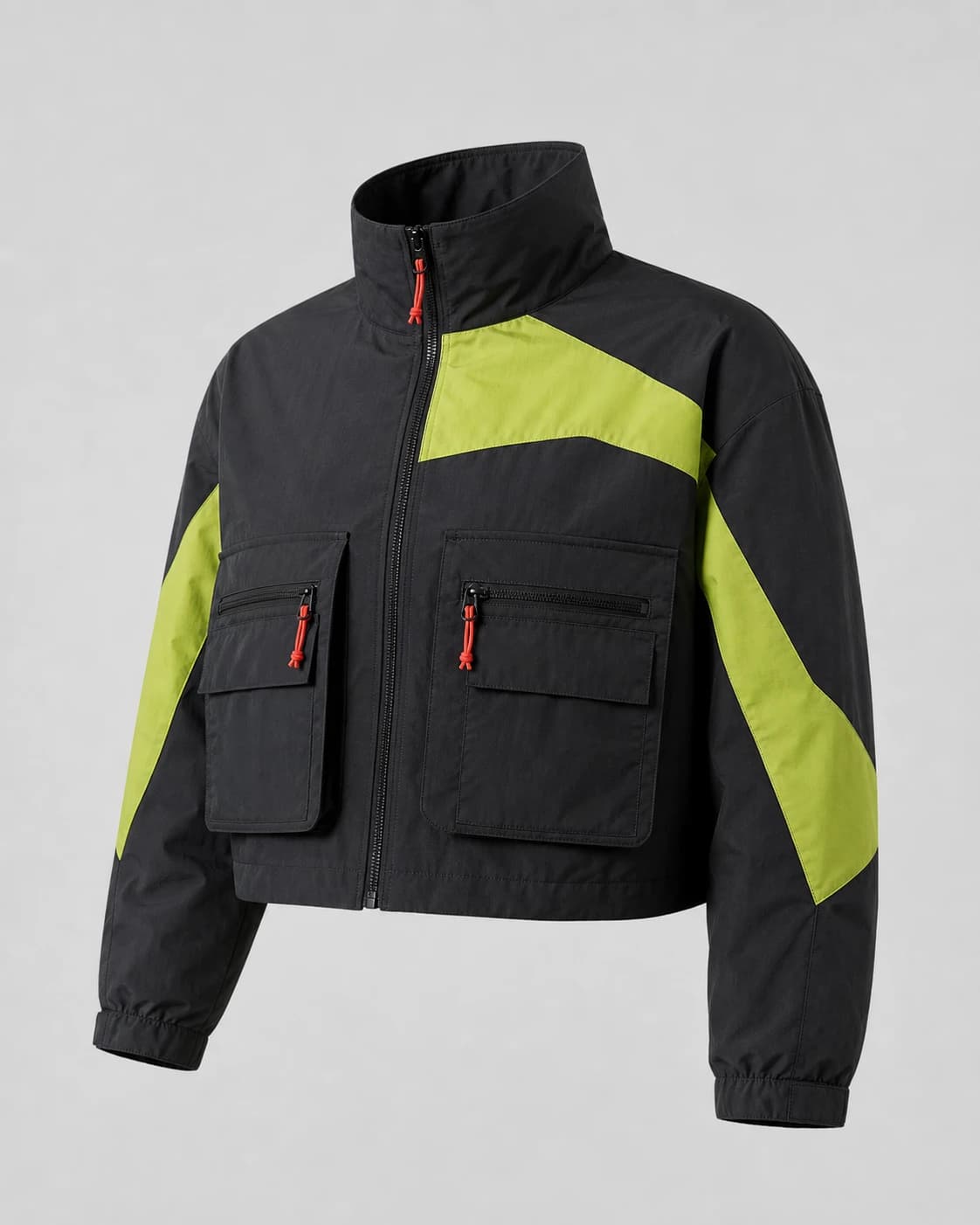
Apparel concept production
AI clothing generator
Turn a garment brief into an original, measurable image ready to continue through try-on and video.
Open design studioInput
Bring a concrete garment brief
- Text prompt and controlled background
- 1:1, 4:5, 16:9, or 9:16
- 1K, 2K, or 4K output
Output
Inspect the actual file
- PNG output
- Pixel dimensions and bytes
- Prompt and source lineage
01 / How it works
How it works
- 01
Define the source
Bring the concrete brief or authorized asset required by this tool.
- 02
Choose measurable settings
Set only the ratio, resolution, duration, or consent that the task supports.
- 03
Inspect and continue
Review the delivered file facts and move the resolved asset to its next supported step.
02 / Where it helps
Where it helps
Independent labels
Evaluate one coherent direction before committing to samples or a campaign.
POD operators
Work from explicit file dimensions, backgrounds, and destination requirements.
E-commerce teams
Keep asset rights, source relationships, and delivery facts visible.
ModeForge library
Guides and prompts
03 / FAQ
Questions before you start
What stays attached to the result?
ModeForge keeps the supported file facts, generation settings, project, and source relationship visible.
Can the result continue into another tool?
When the workflow supports it, the resolved asset can continue without losing its source link.
What happens when a generation fails?
Failed or rejected jobs release their reserved credits automatically.
Continue the project