how to write AI fashion design prompts
How to write AI fashion design prompts as garment briefs
A useful apparel prompt is not a pile of style adjectives. It is a compact garment brief that names the object, controls its construction and presentation, protects rights, and leaves a reviewer with facts to inspect.
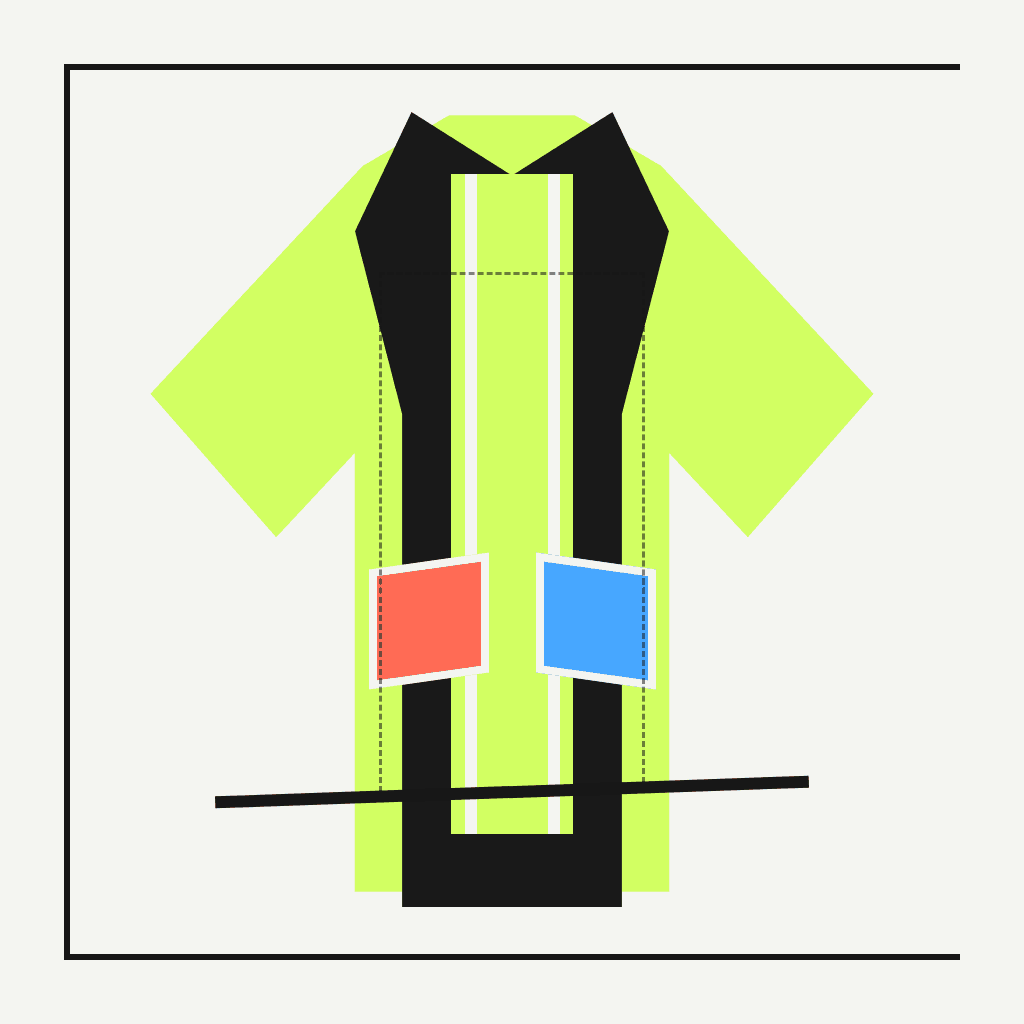
Illustrative ModeForge demo media; it is not the actual or guaranteed output of this page.Learn a six-part method for writing original AI fashion design prompts, resolving conflicting instructions, testing variables, and reviewing the resulting ModeForge PNG before it moves downstream.
Treat the prompt as a decision record
Start by naming one garment and one purpose for the image. A request for a utility jacket concept is reviewable; a request for an entire collection, campaign, runway scene, and packaging system is four different jobs competing for the same frame. The first sentence should establish the garment category, intended view, and the decision the image should help you make.
The prompt also becomes part of the project source chain, so write it for the next reviewer as well as for generation. Concrete nouns such as placket, yoke, rib, hem, and pocket map survive handoff better than mood words. Mood can guide tone, but it should not replace construction decisions that someone can compare with the saved PNG.
- One garment category and one review purpose
- One primary view with a visible framing boundary
- Named construction details that can be inspected later
Use a six-part garment anatomy
Build the request in six passes: garment and silhouette; proportion; construction map; material cues; color and surface treatment; presentation. For a jacket, that might mean a boxy hip-length silhouette, dropped shoulder, two attached chest pockets, matte woven surface, a two-color hierarchy, and a centered front three-quarter product view. Each pass answers a different question instead of repeating the same aesthetic label.
Material language should remain visual. You can request a matte surface, visible medium-scale knit, or controlled drape cue, but the image cannot verify fiber content, weight, abrasion resistance, or physical behavior. Presentation language should likewise name camera angle, crop, background, and whether the garment is shown alone, rather than implying a physical sample exists.
- Object and silhouette
- Proportion and length
- Construction and closures
- Visual material cues
- Palette and surface treatment
- View, crop, and background
Remove conflicts before adding detail
Prompt failure often begins with incompatible directions: an open and fully closed jacket, a front-only image that also shows the complete back, or a minimal graphic surrounded by dense scene decoration. Underline every state, view, and action in the draft. When two cannot occupy the same output, choose one now and move the other into a later variation.
Prioritize instructions in plain language. State what must remain fixed, what may vary, and what should be excluded. If a reversible jacket needs both sides documented, select side A for the main concept and allow side B to appear only at a turned cuff or narrow open edge. That is more inspectable than asking the image to display two incompatible exteriors at once.
- Choose one closure state
- Choose one dominant camera view
- Limit decorative elements that hide construction
- Move alternative states into separate generations
Turn uncertain choices into variables
Variables make a prompt reusable without making it vague. Replace a decision such as silhouette, pocket map, or material cue with a named token, then provide one concrete value for the first run. Keep the rest of the request fixed. The resulting comparison can tell you which decision changed the concept instead of leaving every sentence in motion.
Test one variable at a time and record the resolved values beside the output. A palette test should not silently change the collar, pocket count, and camera angle. If those details drift, note the mismatch during review rather than treating the new image as evidence that the palette caused a construction improvement.
- Give each token a human-readable label
- Use a concrete example instead of an open-ended adjective
- Hold all other prompt decisions constant during comparison
Write the rights boundary into the request
Use original subjects and material you are authorized to use. Avoid protected logos, recognizable characters, unlicensed portraits, copied graphics, and requests to reproduce a living designer's signature language. A generic garment category, construction vocabulary, and your own reference decisions provide a stronger starting point than borrowed identity markers.
Generation does not clear intellectual-property or publicity rights. Keep a note of who supplied each input, what permission covers, and the intended downstream use. If the concept contains lettering, a mark, or a portrait that was not part of the authorized brief, stop the handoff and replace or remove it before continuing.
- Original or authorized input sources
- No protected identity shortcuts
- A documented purpose and downstream permission
Review the actual PNG, not the prompt alone
After generation, inspect the saved PNG dimensions and file size shown by ModeForge, then compare the image with the resolved prompt. Count pockets and closures, trace seam continuity, check whether the crop hides a required edge, and look for unexpected text or symbols. The prompt records intent; the file records what actually exists.
A design image is still a concept. It is not a tech pack, fit test, physical sample, or print approval. Record which checks passed, which details drifted, and whether the next step is another controlled design iteration or an authorized try-on source. This gate prevents uncertain details from quietly becoming assumptions later in the workflow.
- Compare every fixed instruction with the visible output
- Verify PNG properties rather than inferring them from appearance
- Return to one variable when a material decision changes
Practical checklist
Garment-prompt drafting checklist
- Name one garment, one intended view, and one decision the image should support.
- Specify silhouette, proportion, construction, visual material cues, palette, and presentation.
- Remove contradictory states, views, actions, and decorative directions before generation.
- Resolve every variable to one concrete value and change only one variable per comparison.
- Confirm all source material is original or authorized and exclude protected identity cues.
- Inspect the saved PNG properties and visible construction before any downstream handoff.
Questions to resolve
Fashion prompt FAQ
How long should an AI fashion design prompt be?
Long enough to resolve the six useful decisions, but no longer than the reviewer can audit. A compact paragraph with named variables is usually clearer than repeated style adjectives or several incompatible scenes.
Can a prompt prove that a garment will work physically?
No. The result is a concept image. It cannot establish fit, construction feasibility, material performance, printing approval, or the behavior of a physical sample.
What should I change when the first concept misses the brief?
Identify the smallest failed decision, revise one related variable, and keep the remaining prompt stable. Then compare the next PNG with both the resolved prompt and the previous file.