Prompt Library
Editorial dress silhouette prompt
Turns length, neckline, sleeve, waist, volume, fabric behavior, and camera view into explicit choices rather than a vague editorial request. Use the variables and review steps below to turn that intent into one inspectable ModeForge request.
Adapt this text in the design workbench after replacing every variable with a concrete value.
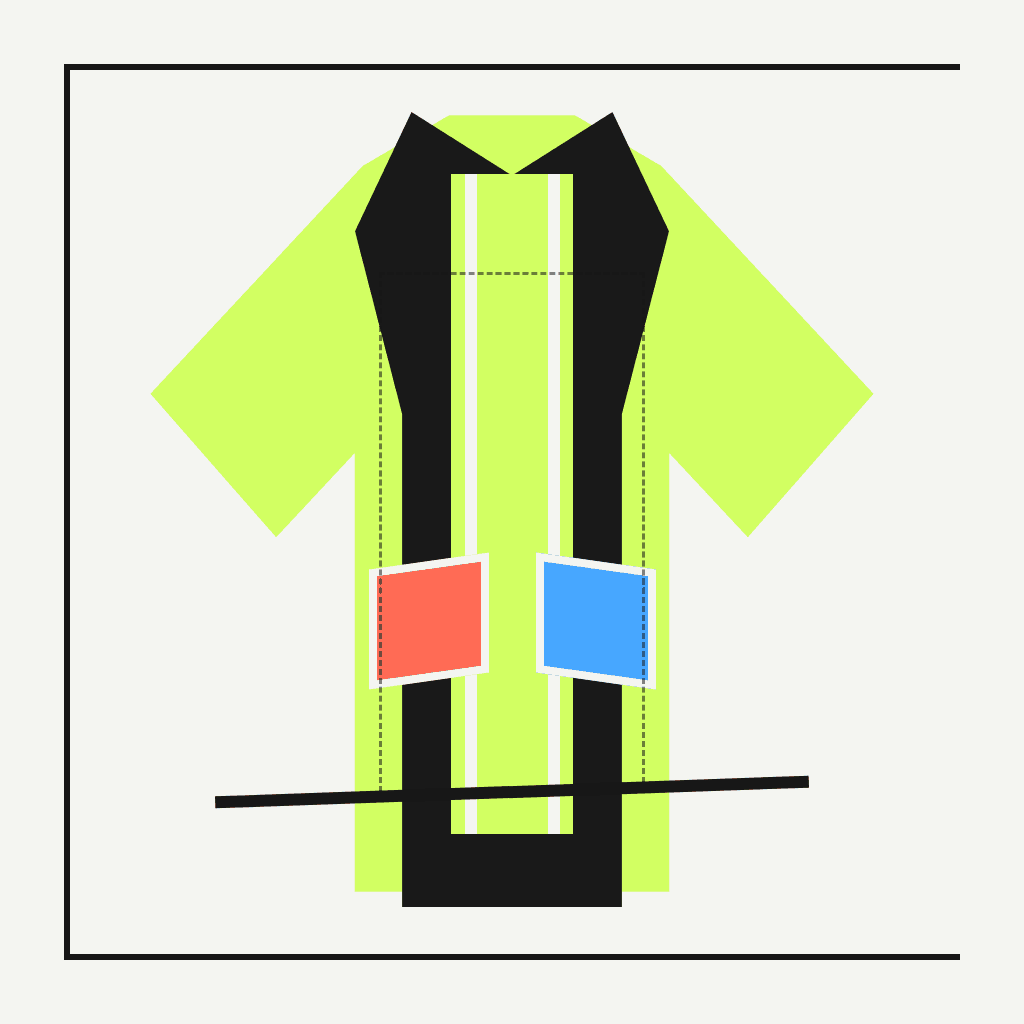
Open the design studioIllustrative ModeForge demo media; it is not the exact output of this prompt or preparation brief.Design prompts
Complete prompt
Turns length, neckline, sleeve, waist, volume, fabric behavior, and camera view into explicit choices rather than a vague editorial request.
Create one original apparel concept using editorial dress silhouette prompt. Set {DRESS_LENGTH} (dress length: mid-calf), {NECKLINE} (neckline: asymmetric folded neckline), {VOLUME} (volume placement: controlled volume below waist). Frame one full garment from a slightly lowered eye level, with simple sleeves and a visible waist decision. Describe the fabric as a visual drape cue only, preserve clear hem space, and avoid scenery that hides the silhouette. Keep the garment fully inspectable, use no logos, lettering, recognizable characters, or signature designer codes, and return one coherent concept rather than a collage of alternatives.Adjustable variables
{DRESS_LENGTH}dress length
Choose one concrete dress length value and keep it consistent throughout this request.
mid-calf{NECKLINE}neckline
Choose one concrete neckline value and keep it consistent throughout this request.
asymmetric folded neckline{VOLUME}volume placement
Choose one concrete volume placement value and keep it consistent throughout this request.
controlled volume below waistModeForge
How to use it
- 01
Replace every variable token with one concrete value, then remove any instruction that conflicts with the intended editorial dress silhouette prompt.
- 02
Adapt the completed text in the design workbench and keep the request to one subject, one view or motion sequence, and one reviewable outcome.
- 03
Inspect the saved PNG and compare neckline geometry, waist position, volume distribution, hem visibility, and consistency between front and side edges; change one variable at a time before trying another version.
What this does not prove
What this does not prove
This concept image is not a tech pack, physical sample, fit test, or print approval. Inspect the PNG properties and review neckline geometry, waist position, volume distribution, hem visibility, and consistency between front and side edges before any downstream decision.
Rights reminder
Use original material or inputs you are authorized to use. Confirm portrait and artwork rights, and avoid protected logos, characters, signature designs, and unlicensed likenesses.