Prompt Library
Unisex shirt proportion preview preparation brief
Separates intended visual proportion from gender assumptions, size labels, and unsupported claims about physical fit. Use the variables and review steps below to turn that intent into one inspectable ModeForge request.
The current try-on workbench does not have a free-text prompt field. This is a preparation and review brief for one authorized portrait and one garment source.
Open the try-on studioIllustrative ModeForge demo media; it is not the exact output of this prompt or preparation brief.Try-on preparation brief
Complete preparation brief
Separates intended visual proportion from gender assumptions, size labels, and unsupported claims about physical fit.
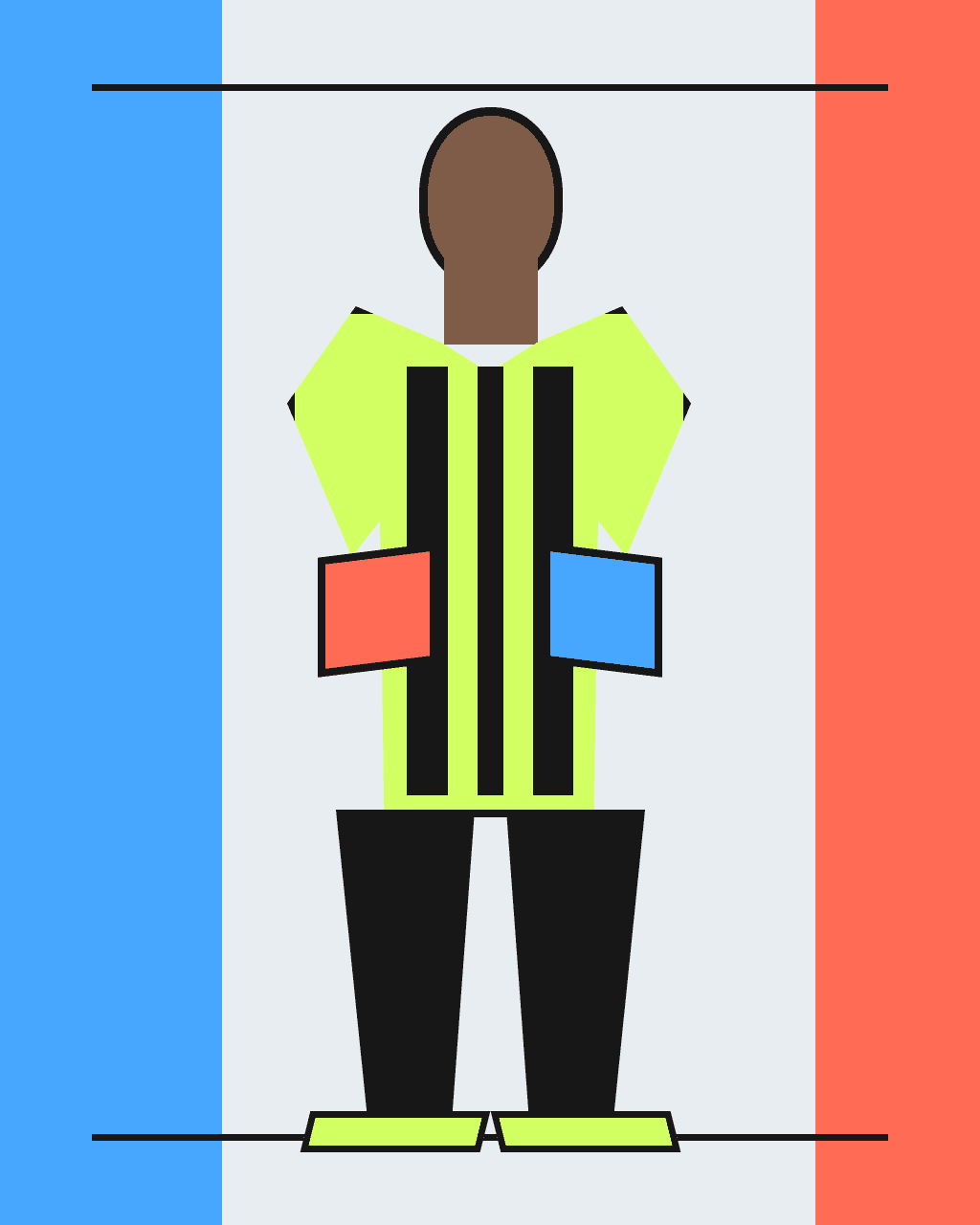
Preparation and review brief, not text to paste into the workbench: prepare one authorized portrait and one garment source for unisex shirt proportion preview preparation brief. Record {SHIRT_LENGTH} (visual shirt length: hem at mid hip), {SLEEVE_DROP} (sleeve drop: elbow-length relaxed sleeve), {STANCE} (portrait stance: front-facing, arms slightly open). Choose an authorized portrait based on clear framing rather than a gender stereotype. Use one front-facing shirt source with shoulder, sleeve, side seam, and hem visible, then record the intended visual length before generation. Generate only after both sources and portrait rights are confirmed. Review the result against the sources for shoulder placement, sleeve endpoint, hem position, side-seam continuity, and whether the result preserves the source without inferring size; reject or revise any unexplained change.Adjustable variables
{SHIRT_LENGTH}visual shirt length
Choose one concrete visual shirt length value and keep it consistent throughout this request.
hem at mid hip{SLEEVE_DROP}sleeve drop
Choose one concrete sleeve drop value and keep it consistent throughout this request.
elbow-length relaxed sleeve{STANCE}portrait stance
Choose one concrete portrait stance value and keep it consistent throughout this request.
front-facing, arms slightly openModeForge
How to use it
- 01
Choose one portrait you are authorized to use and one garment image whose important edges are visible; record the variable values before upload.
- 02
Upload exactly those two sources to the try-on workbench. It has no free-text prompt field, so use this page as a preparation checklist rather than text input.
- 03
Compare the generated image with both sources, concentrating on shoulder placement, sleeve endpoint, hem position, side-seam continuity, and whether the result preserves the source without inferring size, and keep only a result that passes human review.
What this does not prove
What this does not prove
This visualization cannot prove size, fit, comfort, accessibility, or fabric behavior. The workbench combines image sources only; a person must review shoulder placement, sleeve endpoint, hem position, side-seam continuity, and whether the result preserves the source without inferring size.
Rights reminder
Use original material or inputs you are authorized to use. Confirm portrait and artwork rights, and avoid protected logos, characters, signature designs, and unlicensed likenesses.