Prompt Library
Three-quarter apparel product turn prompt
Specifies a bounded turn and locked framing that can be reviewed more clearly than a crowded request for a complete rotation. Use the variables and review steps below to turn that intent into one inspectable ModeForge request.
Adapt this text in the video workbench after replacing every variable with a concrete value.
Open the video studioIllustrative ModeForge demo media; it is not the exact output of this prompt or preparation brief.Video prompts
Complete prompt
Specifies a bounded turn and locked framing that can be reviewed more clearly than a crowded request for a complete rotation.
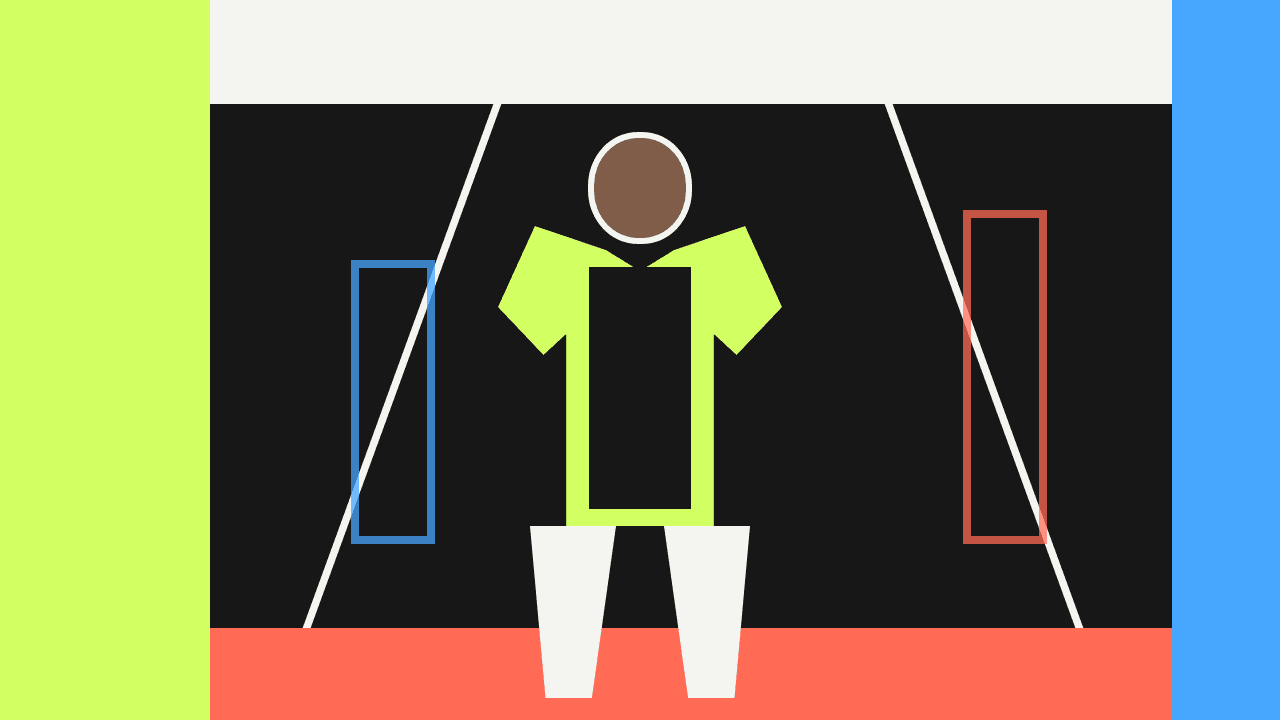
Animate one authorized, resolved apparel source for three-quarter apparel product turn prompt. Set {TURN_LIMIT} (turn limit: front to 45-degree view), {CAMERA_POSITION} (camera position: locked at chest height), {END_FRAME} (end frame: hold the three-quarter view). Animate the resolved garment source from a clean front view into one measured three-quarter position. Keep the camera locked, maintain a constant crop, stop before the back is shown, and hold long enough to inspect the side seam. Keep the source garment recognizable from first frame to last, do not add logos, lettering, accessories, or a new garment, and leave a stable end frame for review.Adjustable variables
{TURN_LIMIT}turn limit
Choose one concrete turn limit value and keep it consistent throughout this request.
front to 45-degree view{CAMERA_POSITION}camera position
Choose one concrete camera position value and keep it consistent throughout this request.
locked at chest height{END_FRAME}end frame
Choose one concrete end frame value and keep it consistent throughout this request.
hold the three-quarter viewModeForge
How to use it
- 01
Replace every variable token with one concrete value, then remove any instruction that conflicts with the intended three-quarter apparel product turn prompt.
- 02
Adapt the completed text in the video workbench and keep the request to one subject, one view or motion sequence, and one reviewable outcome.
- 03
Inspect the saved MP4 and compare bounded rotation, crop stability, side-seam visibility, unchanged garment proportions, and a clean held end frame; change one variable at a time before trying another version.
What this does not prove
What this does not prove
Generated motion can contain continuity, edge, or movement artifacts and is not a physical cloth simulation. Inspect the MP4 properties and review bounded rotation, crop stability, side-seam visibility, unchanged garment proportions, and a clean held end frame.
Rights reminder
Use original material or inputs you are authorized to use. Confirm portrait and artwork rights, and avoid protected logos, characters, signature designs, and unlicensed likenesses.