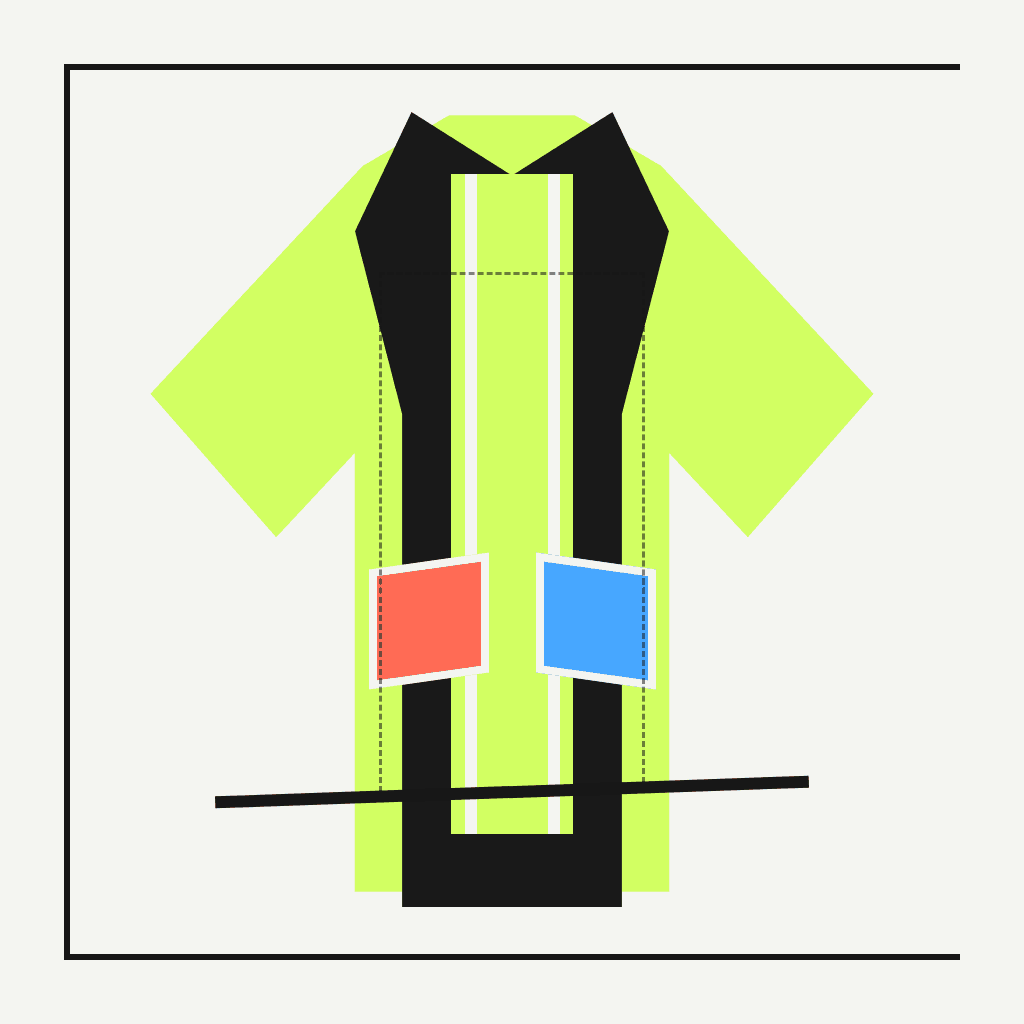
Manual Printify handoff
Prepare a Printify T-shirt design before manual upload
Generate an original T-shirt artwork concept and inspect its file properties before you manually move it into the current Printify product and placement workflow.
Create original artworkPrintify T-shirt design
Keep generation and publishing separate
Use ModeForge to define an original subject, graphic treatment, composition, palette, and background requirement. Inspect the output before it reaches a product mockup or listing workflow.
Then choose the exact Printify product and follow its current printable-area and file guidance. A manual checkpoint matters because product templates and production requirements can differ and can change.
Workflow
From brief to usable asset
- 01
Define the Printify artwork handoff
Separate the subject, style, palette, composition, and background requirement.
- 02
Generate a known Printify artwork handoff file
Create a PNG, then check its pixel dimensions and generation settings.
- 03
Preflight the Printify artwork handoff
Manually validate size, bleed, color, placement, and rights in the destination workflow.
Brief
Manual handoff checklist
- Confirm that the artwork and prompt are rights-safe
- Inspect PNG pixel dimensions, background, edges, and contrast
- Select the exact Printify product and current print-area template
- Review placement, physical size, color, mockup, and listing before publishing
FAQ
Questions before you start
Does ModeForge send the design directly to Printify?
No. Download or otherwise move the generated asset through your own authorized workflow, then manually configure and verify it in Printify.
Does ModeForge assign a print DPI to the Printify artwork handoff?
No. DPI depends on physical print size. ModeForge exposes the Printify artwork handoff pixel dimensions and leaves physical-size and provider checks to your print workflow.
Who checks rights and destination requirements for the Printify artwork handoff?
You do. Confirm that the Printify artwork handoff and its source materials are authorized, then follow the current template, policy, and validation of the destination you choose.