Independent labels
Explore a coherent garment direction before samples.
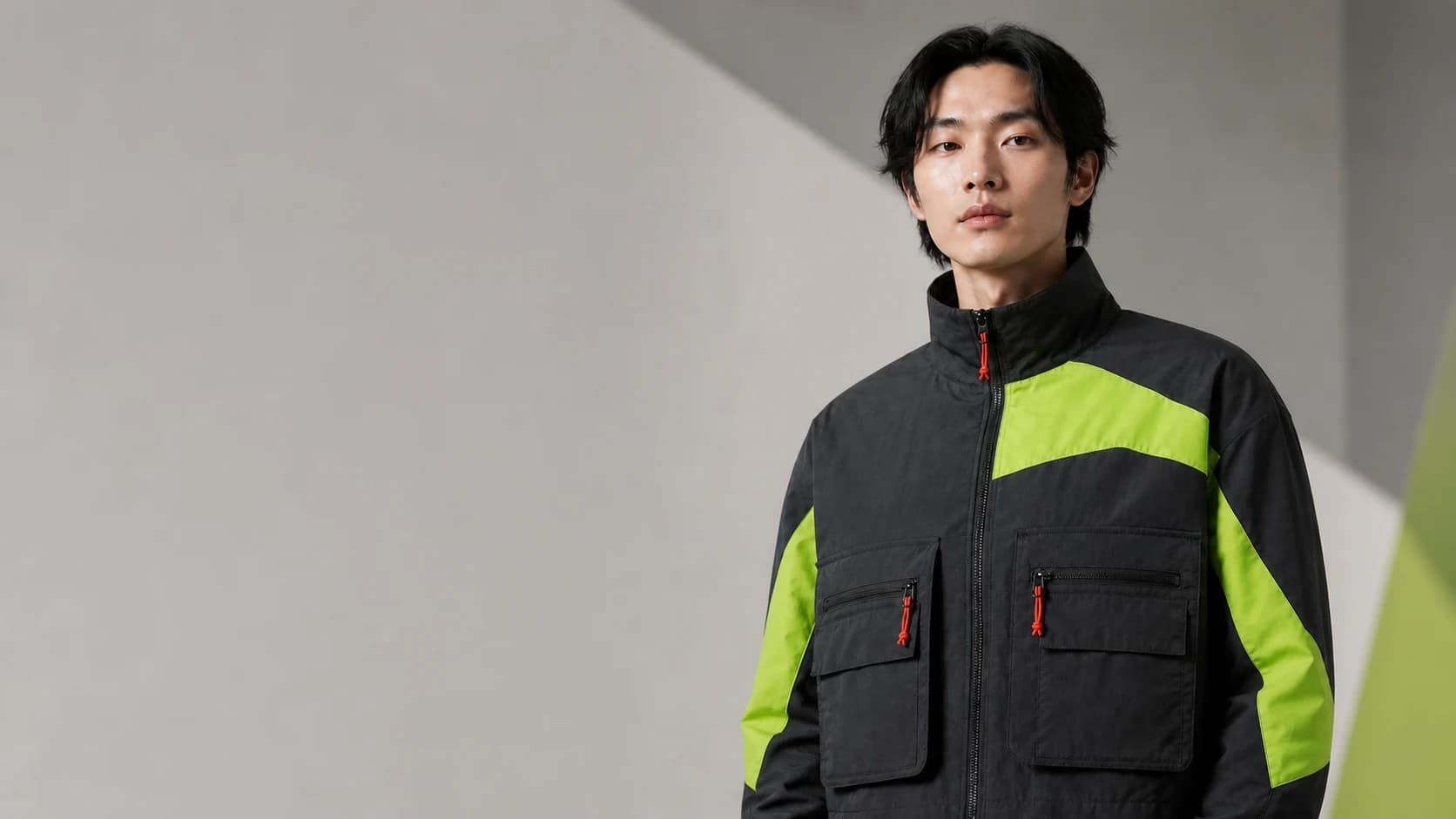
One apparel idea. Three production-ready assets.
Design the garment, place it on an authorized portrait, then turn the result into a short campaign clip - all inside one traceable project.
Create freeDesign Studio
Set a concrete garment brief and measurable output before continuing to the Studio.
Design / Try-on / Campaign
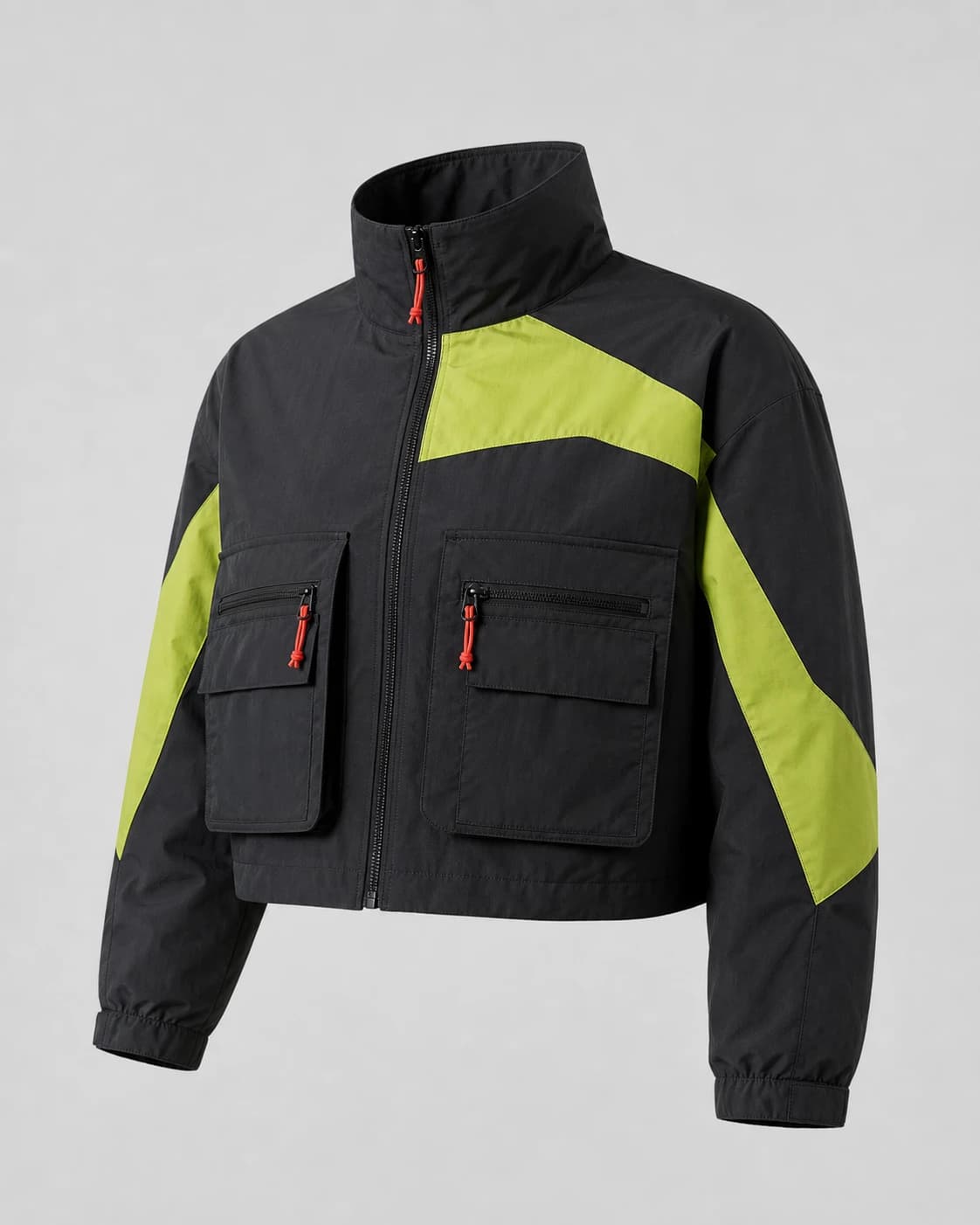
Prompt to measurable 1K PNG
PNG / 2K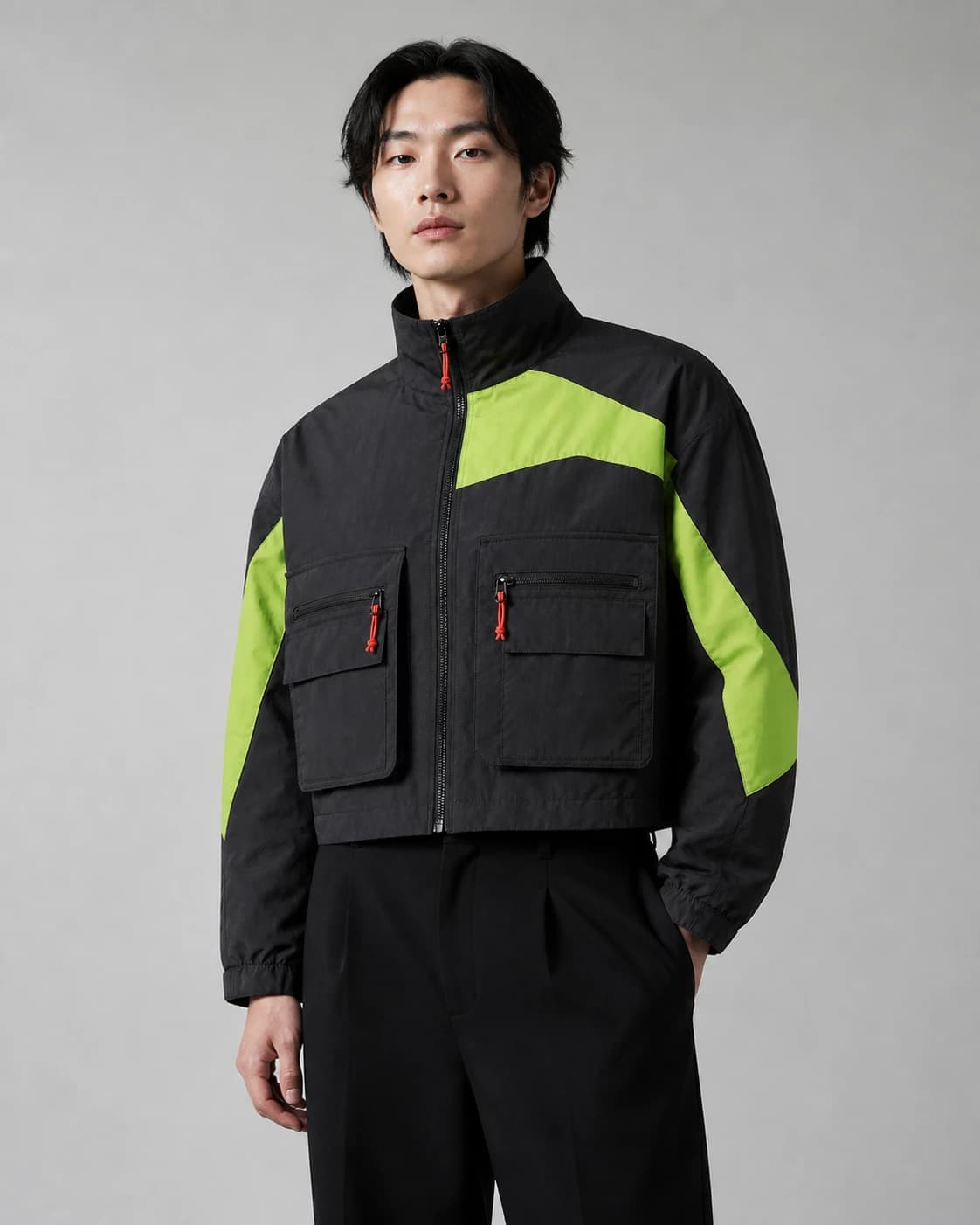
Authorized portrait plus garment
PNG / 2K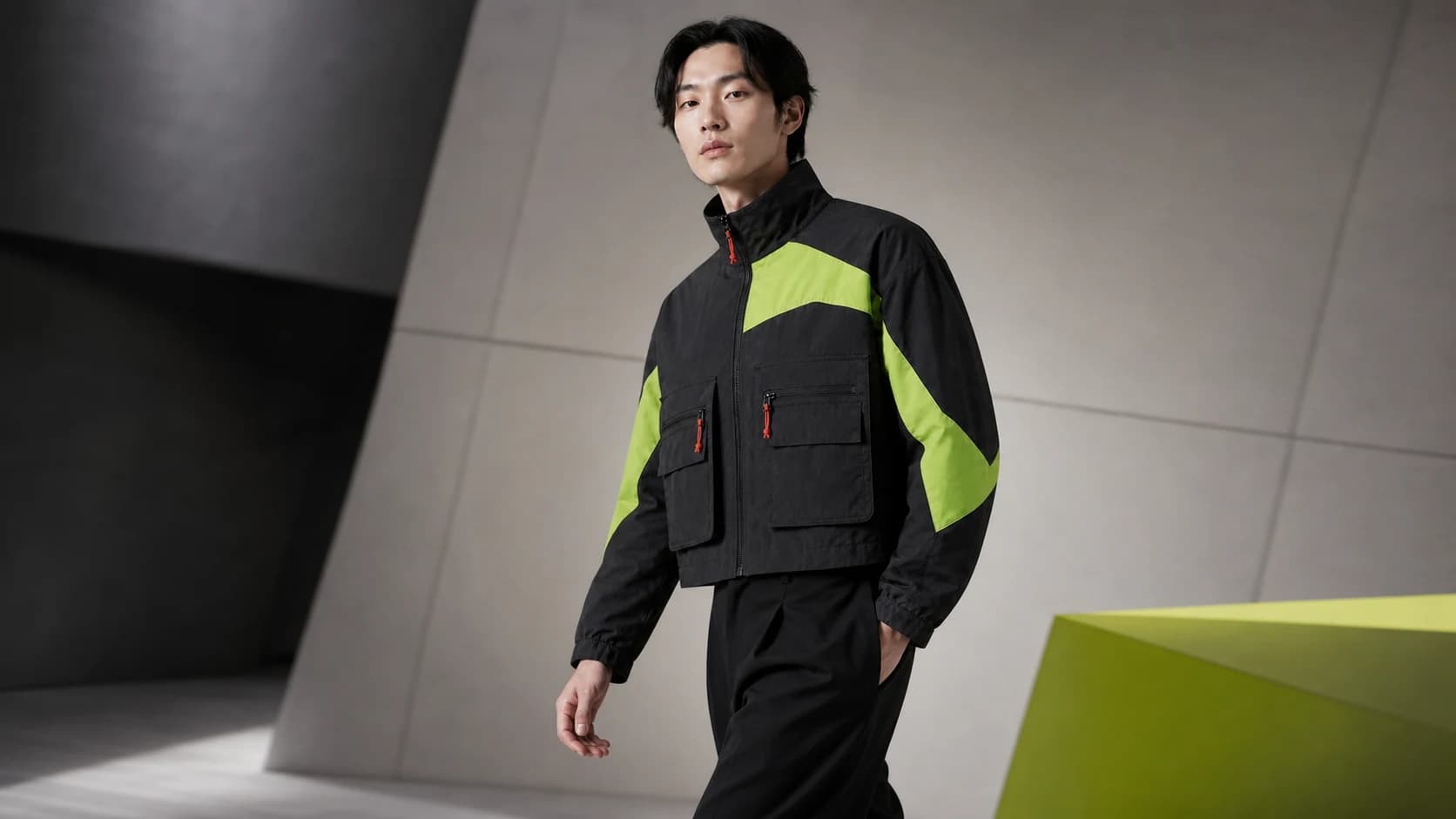
Source asset to downloadable MP4
MP4 / 8sUse cases
Explore a coherent garment direction before samples.
Prepare artwork with known pixels, ratio, and background.
Keep try-on rights and source relationships explicit.
ModeForge shows pixels, duration, cost, consent, and lineage.
Transparent pricing
FAQ
Pixel dimensions, bytes, settings, source project, and supported next actions.
Reserved credits are released automatically for failed or rejected jobs.
Use only a portrait you are authorized to process and confirm those rights before submission.